
If you’ve just received a Wood Destroying Organism (WDO) inspection report — often required by your lender or requested during a home sale — it can look like a wall of checkboxes and codes. Here’s what each part actually means.
What a WDO Report Documents
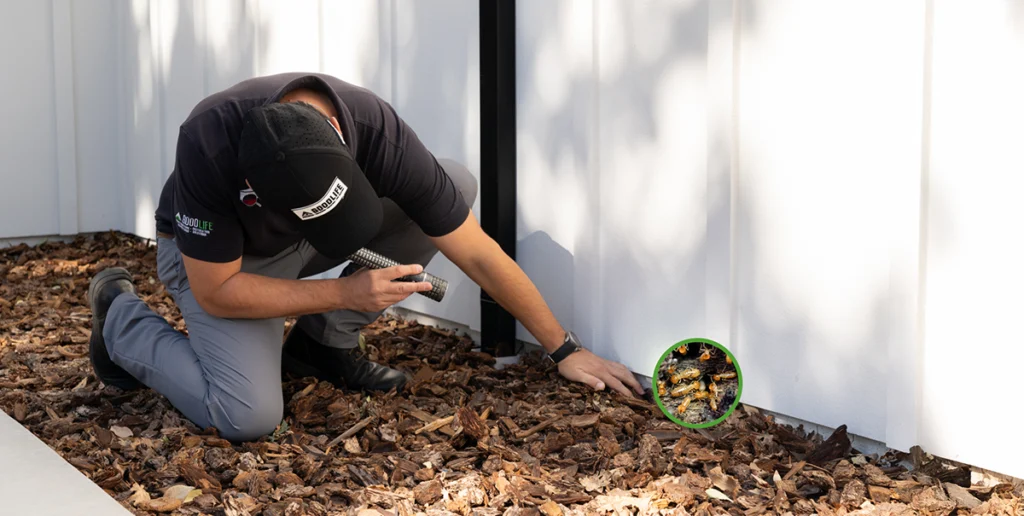
A WDO report documents visible evidence of active infestation or infection by wood-destroying insects or organisms, along with recommended corrective work. It covers three general categories of organisms:
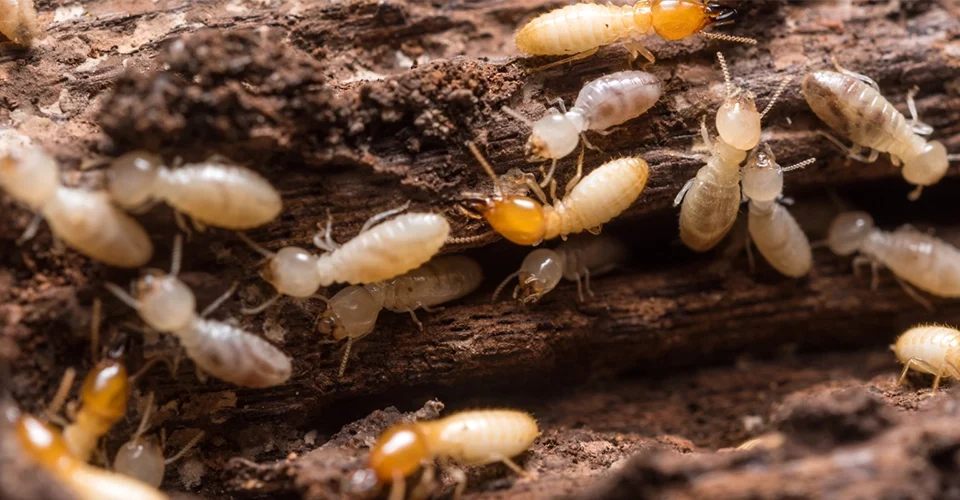
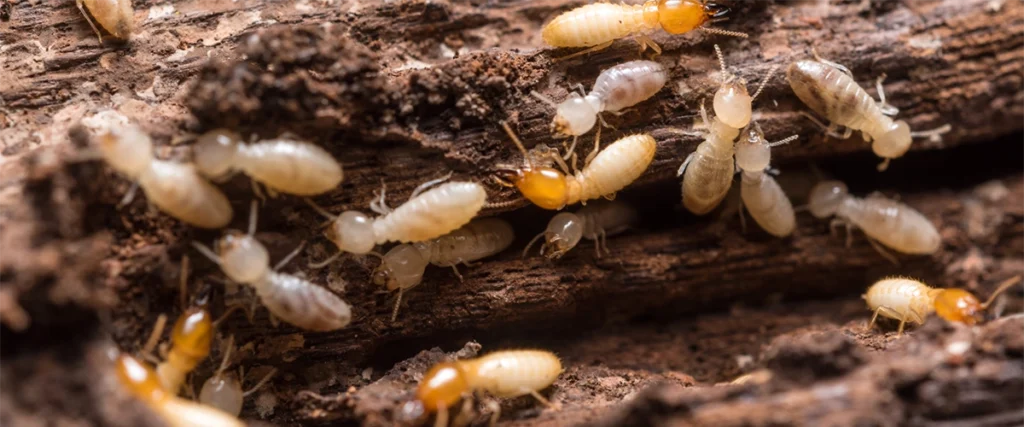
- Termites — both subterranean and drywood species
- Wood-boring beetles — including powderpost, deathwatch, and false powderpost beetles
- Wood-decay fungi — including wet rot and dry rot (see our dry rot guide for how these differ)
The Report’s Main Sections
| Section | What It Covers |
|---|---|
| Report type and scope | Classifies the report as a Complete Report, Limited Report, Supplemental Report, or Reinspection Report, and lists any areas that were inaccessible or not inspected |
| Description of findings | The core section — details any wood-destroying organisms found, the resulting damage, recommended corrective work, and an estimated cost for the corrections |
| Inspection notes and legal notices | Additional observations and the standard legal disclosures that accompany a licensed inspection report |
| Work order agreement (if applicable) | Included only if the inspecting company is also being engaged to perform the corrective work itself |
“Complete” vs. “Limited” Reports — Why It Matters
A Complete Report covers the entire structure to the extent accessible. A Limited Report covers only specific areas requested (common when a lender or buyer asks for a narrower scope). If your report is Limited, any area outside its scope simply wasn’t evaluated — that’s not the same as “no findings,” and it’s worth asking your inspector or agent whether a Complete Report makes sense for your transaction.
What to Do If Your Report Shows Findings
A report showing active infestation, damage, or conducive conditions doesn’t necessarily mean a deal falls apart — it means there’s a documented item to address. Typical next steps include:
- Reviewing the recommended corrective work and its estimated cost with your agent or the seller
- Scheduling the recommended treatment or repair with a licensed pest control or repair provider
- In many transactions, requesting a reinspection/clearance report once corrective work is complete, confirming the condition has been resolved
If any part of your report is unclear, ask the inspecting company directly — a licensed inspector can walk you through exactly what was found and why.
Frequently Asked Questions
Is a WDO report the same as a home inspection report?
No. A WDO report is a separate, specialized report focused specifically on wood-destroying organisms and related damage. See our WDO inspection overview for how it fits alongside a general home inspection.
Who can I ask if I don’t understand something in my report?
The inspecting company that issued the report is the right first call — they can walk through specific findings, codes, or recommendations with you directly.
Does a “no findings” report mean my home has no risk of future problems?
A WDO report reflects visible conditions at the time of inspection. It’s not a guarantee against future conditions, which is one reason periodic reinspection is worth considering, especially in wood-destroying-organism-prone regions like the Sacramento area.
Have Questions About a WDO Report?
Contact us if you have questions about a report you’ve received, or schedule a termite/WDO inspection for an upcoming transaction.